From Paper Job Cards to Real-Time Control: Print Job Tracking That Actually Works
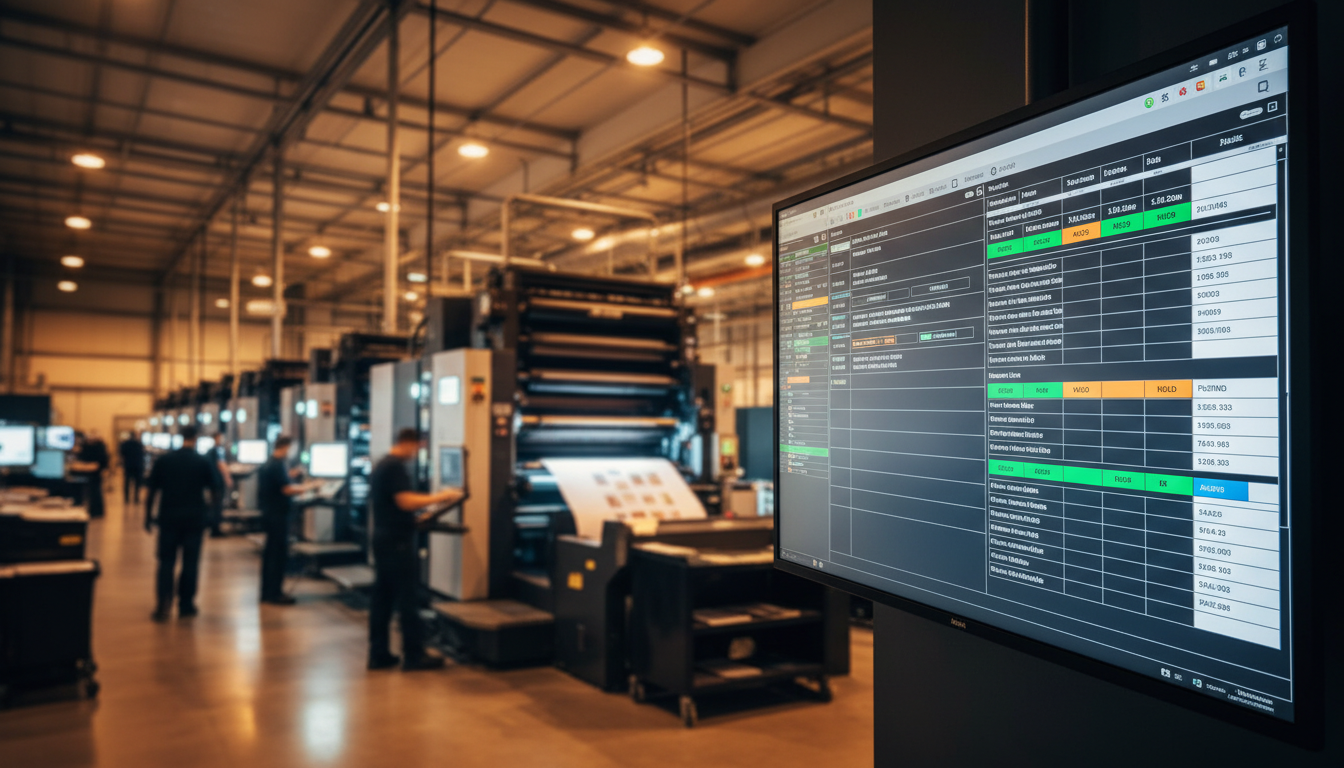
If your production floor runs on WhatsApp threads, paper job cards, and someone's memory, you already know the pattern. A client calls for an update, the team starts searching, and the job is either on the wrong table, waiting on a plate, or finished but not packed. This article explains what real print job tracking looks like and how PressOps routes jobs through your actual work centres.
SP
SpeedPrints Ghana
Commercial Printing Experts, Accra, Ghana
October 20268 min read
If your production floor runs on WhatsApp threads, paper job cards, and someone's memory, you already know the pattern. A client calls for an update, the team starts searching, and the job is either on the wrong table, waiting on a plate, or finished but not packed. The real cost is not only missed deadlines. It is reprints, overtime, rushed finishing, and that slow damage to trust when customers feel you are guessing.
This is exactly why more print businesses are actively shopping for print job tracking software. They are not chasing "digital transformation" for fun. They want control. They want to know what is in the building, what is late, what is blocked, and what needs attention before it becomes a crisis.
The chaos most print shops accept as normal
In many commercial print operations, job tracking starts strong and then breaks down midstream.
A job is quoted and approved
Artwork arrives in multiple versions
A paper card is written and passed around
Someone takes a photo and shares it in WhatsApp
The card gets lost, or the job moves without the card
A finishing step is forgotten
Dispatch is delayed because nobody knows it is ready
Paper cards are not the enemy. The problem is that paper cannot update itself. It cannot alert you when a job is at risk. It cannot show workload across work centres. It cannot tell you who ran the job, what spoilage happened, or why you missed the promised date.
What job tracking must cover to be useful
A real production control system is not just a list of jobs. It needs to carry the full story of the job from creation to delivery.
At minimum, your print job tracking software should capture:
Artwork and proofing: file versions, approvals, notes, and timestamps
Routing steps: the exact work centres the job must pass through, in order
Production controls: scheduling, capacity, due dates, rush flags, and dependencies
Quality checks: what must be verified at each stage, and who signed off
Delivery and closure: dispatch details, proof of delivery, and final job status
This matters because printing is not one process. It is a chain of processes. If you cannot see the chain, you cannot control it.
A status workflow that matches how print actually moves
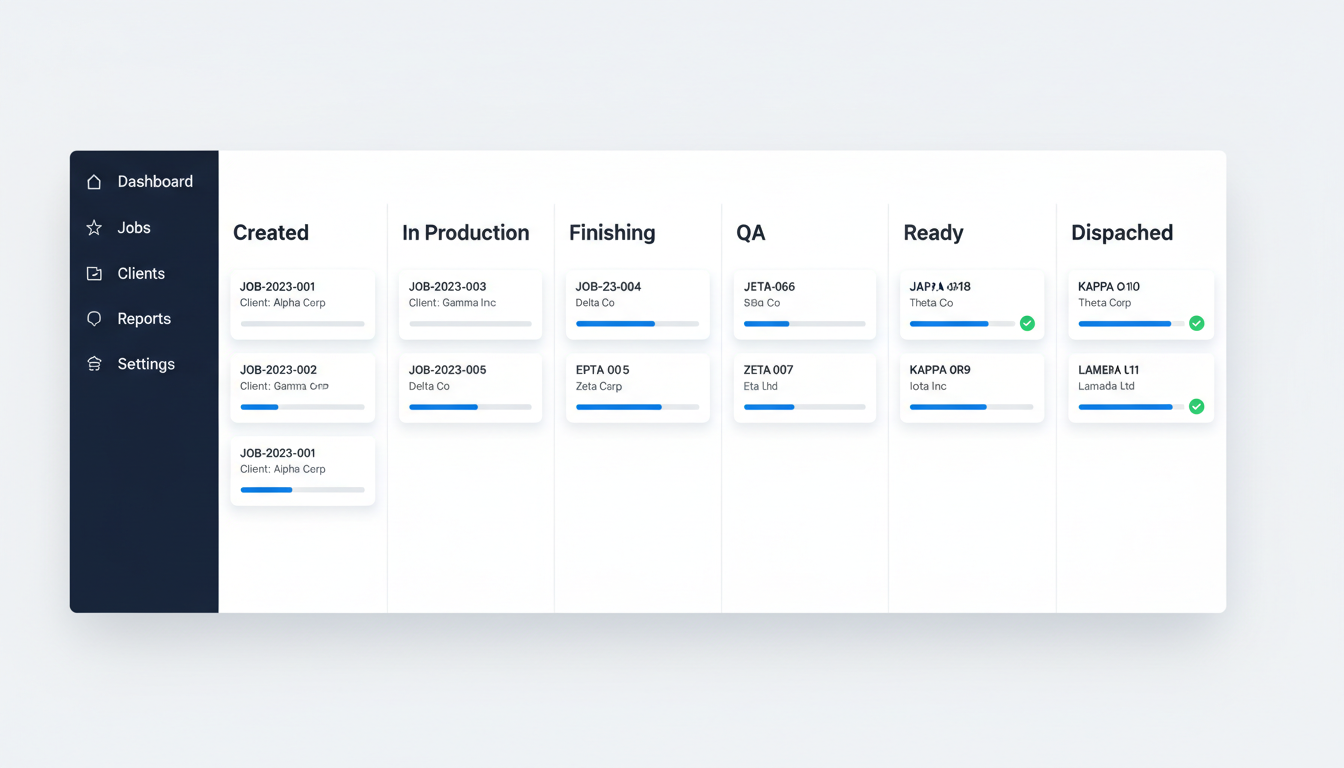
A simple, consistent workflow is the backbone of production visibility. One practical status flow looks like this:
Created
Scheduled
Prepress
In Production
Finishing
QA
Ready
Dispatched
Closed
The value is not the labels. The value is that everyone uses the same language, and the system records the moment a job changes state. That gives you real timestamps, real lead times, and real bottlenecks.
Quality should not be a single event at the end. Industry guidance is clear that quality control runs through the whole workflow, including prepress and press stages, not only final inspection. That is why a dedicated QA stage and stage level checks reduce rework and prevent costly surprises.
Operator accountability and real-time spoilage tracking
When a job goes wrong, most teams do not lack effort. They lack data.
With proper job tracking, you can assign operators to steps and record:
Start and stop times
Output quantities
Spoilage and rework quantities
Reasons for spoilage, with notes and photos when needed
This is not about blame. It is about learning. If spoilage spikes on a specific substrate, press, or shift, you want to see it early. If a finishing process is consistently slower than planned, you want to adjust your estimates and schedules.
This is also where production control connects directly to profitability. Waste is not just material loss. It is time loss, capacity loss, and margin loss.
Priority levels and delivery tracking that prevent last-minute panic
Most missed deadlines happen because everything is treated as urgent. A good system makes priority visible.
Set clear priority levels, for example:
Standard
Urgent
Same day
Contract deadline
Then combine that with delivery tracking:
Planned dispatch date
Courier or driver assignment
Delivery address and contact
Proof of delivery upload
When dispatch is part of the workflow, "Ready" does not mean "done". It means the job is ready for the next controlled step. That is how you stop completed jobs from sitting on a table while the client waits.
How PressOps routes jobs through real work centres
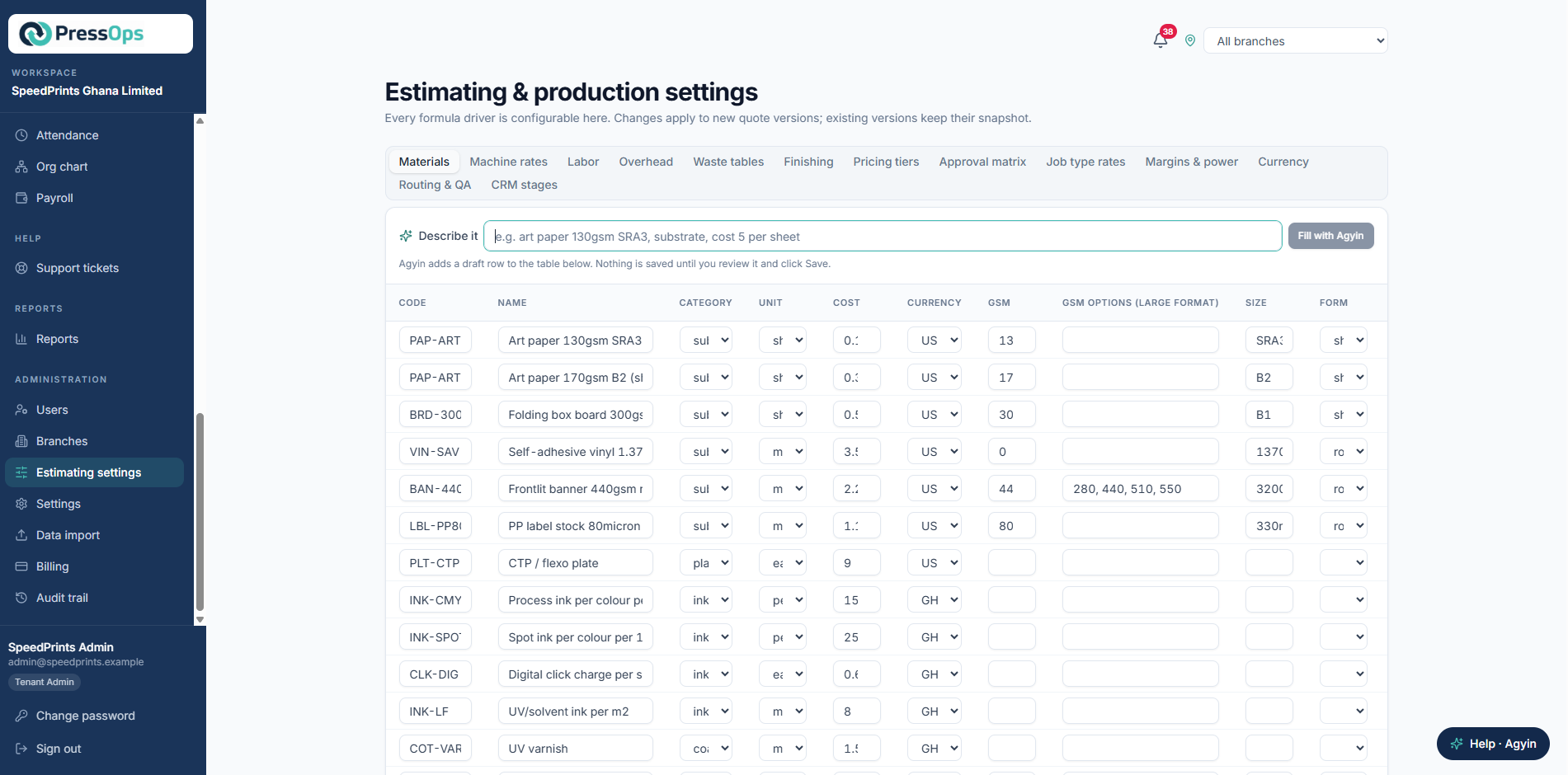
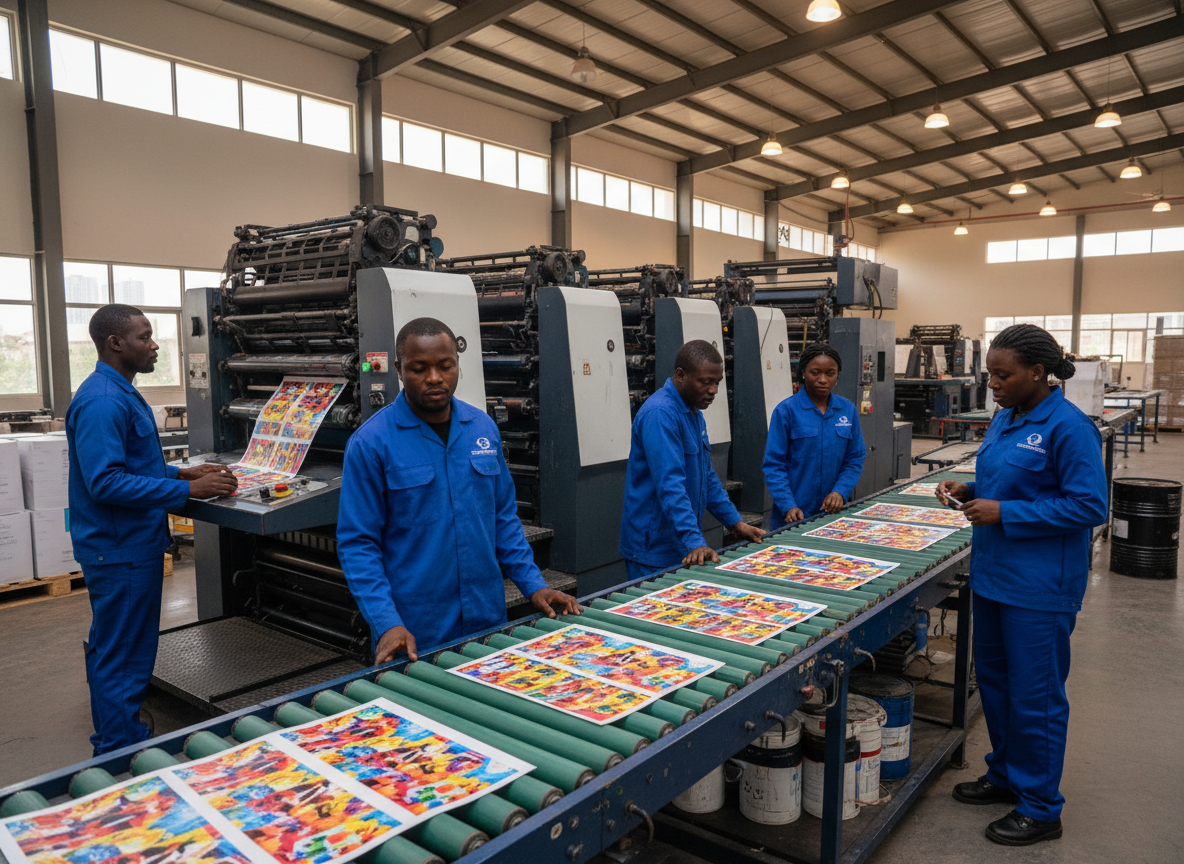
PressOps is designed around how print shops actually operate, with jobs flowing through work centres such as:
Offset: plates, make-ready, press run, drying time, finishing
Digital: quick setup, short runs, variable data, fast turnaround
Flexo: longer setup, volume runs, label workflows, curing and inspection
Instead of forcing every job into the same path, PressOps routes jobs based on the production method and required finishing. That means your team sees the next step clearly, supervisors can spot blocked jobs, and management can view workload across departments.
If you want production control, the goal is simple. Every job should have one home, one truth, and one visible next step.
The bottom line
Paper job cards can work when volume is low and the team is small. But as soon as you are juggling multiple clients, multiple machines, and tight deadlines, you need a system that updates in real time. Print job tracking software gives you visibility, accountability, and predictable delivery, without the daily firefighting.
Track your first job in PressOps
Book a demo of the Operations module
See the workflow in action. Watch how jobs move from creation to dispatch with full visibility at every step.